Announcing ImageGlass 10 Beta 2
Following the initial preview of the complete rewrite, this second beta release introduces native HDR and vector rendering capabilities, a brand-new plugin SDK, brings back essential features from version 9, and significantly improves stability across Windows, macOS, and Linux.
ImageGlass 10 is built from the ground up using a modern .NET stack and the Avalonia UI framework, moving the application beyond Windows to run natively across multiple platforms from a single, unified codebase.
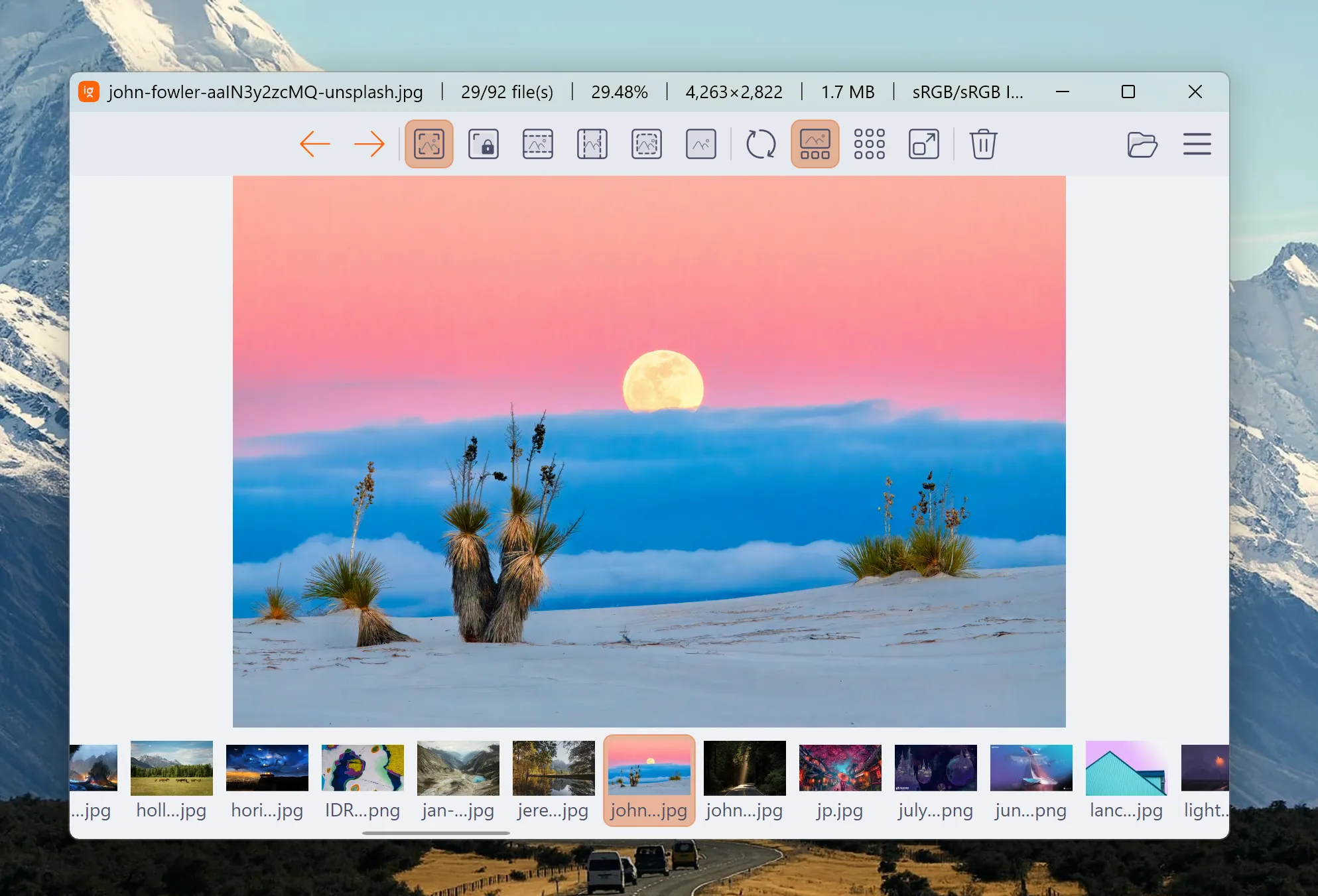
New Features
1. HDR Support
I have added native HDR tone-mapping support for advanced image formats including AVIF, JXL, HDR, and EXR. You can toggle this processing using the new EnableHdrToneMapping setting. A new image information tag, HdrInfo, is also available to display HDR metadata.
If you want a look behind the scenes at the rendering work required for this pipeline, check out the detailed deep-dive on Patreon (available for paid members).
2. Native Vector Rendering
This release introduces native support for rendering SVG and SVGZ formats, including animated SMIL-based SVG files. If needed, you can use the EnableVectorRenderer setting to fall back to raster rendering.
For more information on how this native path improves scaling and consistency over the previous hybrid model, you can read the full breakdown on Patreon (available for paid members).
3. Introducing ImageGlass.SDK Library
To allow for greater extensibility, I am introducing the 'ImageGlass.SDK' library. This opens up two major pathways for extension:
- External Tools: Uses out-of-process IPC, configured via the
Toolssetting inigconfig.json(similar to version 9). For example, you can integrate ExifTool directly. - Native Codec Plugins: Uses an in-process native ABI. You can declare a custom codec plugin via an
igplugin.jsonfile placed in the local plugins directory.
4. Redesigned Built-in Tools
Several core utilities have been completely redesigned for better usability and performance:
- Crop Image
- Resize Image
- Frame Navigation
- Lossless Compression
5. Restored Features from Version 9
Many configuration options from the previous generation have been implemented in the new codebase:
- Persistent thumbnail cache support controlled by
GalleryCacheSizeInMb. - Loop navigation settings (
EnableLoopBackNavigationandEnableLoopSlideshow). - Preservation of modified dates on save (
EnablePreserveModifiedDate). - Navigation buttons for the viewer (
EnableNavigationButtons). - Options to load embedded previews exclusively for RAW files (
EnableOnlyLoadRawPreview). - Custom mouse click/wheel actions and background color configurations.
Improvements & Breaking Changes
Core Library Upgrades
The application has been updated to use Avalonia 12 and MagickNET v14.13.1, ensuring better cross-platform compatibility and rendering performance.
Breaking Change: All configuration setting names have been updated. If you experience an error or crash on startup, please delete your old configuration file located at
%LocalAppData%\ImageGlass_10\igconfig.json.
Media & Interpolation Enhancements
- Multi-frame Support: Added support for multi-frame image formats such as TIF, TIFF, and FAX.
- Shell Thumbnails: Added the
EnableGalleryShellThumbnailsetting to disable the usage of Windows native thumbnails when preferred. - Motion Photos: Added support for Motion Photos. You can use the redesigned Frame Navigation tool to play the embedded video.
- Advanced Scaling: New image interpolation algorithms are available for both scaling up and down, including Nearest, Linear, CubicMitchell, CubicCatmullRom, and Anisotropic.
Bugfixes & Stability
This update addresses several critical issues reported during the Beta 1 testing phase:
- Metadata: Fixed an issue where images with 'and rotate CW' orientation metadata failed to display.
- Cache Management: Resolved a bug where the maximum gallery cache size limit was not strictly respected.
- OS Specific Fixes: Fixed a startup crash on macOS and resolved missing library issues in Linux builds.
- UX Improvements: Stopped touch gestures from opening the context menu unexpectedly, fixed empty clipboard data after closing the app, and resolved an issue where the photo list would not load when opening a file directly from the Windows desktop.
Try ImageGlass 10 Beta 2!
Please be cautious of scams and only download ImageGlass from the official website. I highly recommend against downloading ImageGlass from any other source to avoid potential security risks.
Additionally, if you encounter any bugs, have suggestions, or would like to provide feedback, please use GitHub Issues tracker.