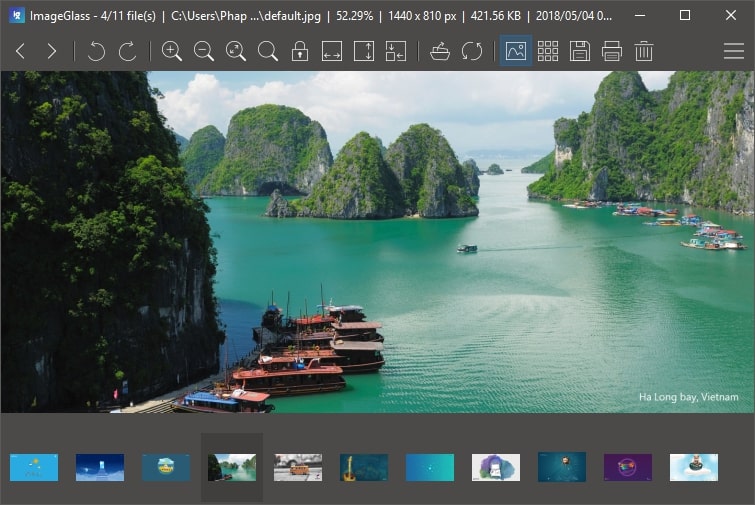
HEIC image format support!
ImageGlass supports still HEIC image format (High Efficiency Image File Format).
If you are upgrading from old version, you can manually add .heic extension in Settings > Files Associations list.
Bug fixes
- Window State cannot be restored (non-maximized state) after restarting.
- "Unhandled Exception" error is thrown when opening an image in a folder with many image files.
New features
You may check what's new in ImageGlass 5.0.
Download it now!
Please be cautious of scams and only download ImageGlass from our official website. We highly recommend against downloading ImageGlass from any other source to avoid potential security risks. Additionally, if you encounter any bugs, have suggestions, or would like to provide feedback, please use our Issues tracker.
For the complete changes see the changelog.