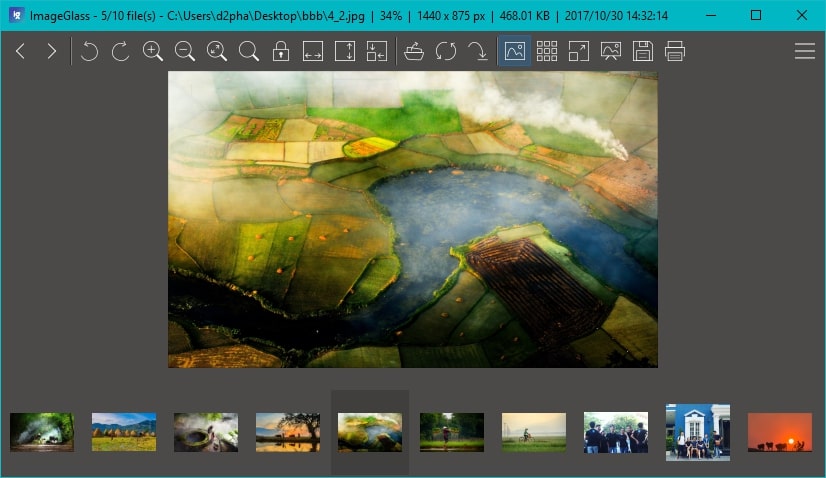
This release mainly improves stability and features.
RAW formats supported
ImageGlass 4.5 uses Windows Imaging Component (WIC) to extend the supported formats, including RAW and others. If you are running Windows XP SP3, you need to install WIC package from Microsoft for RAW support. However, as we announced, this may be the last version of ImageGlass which still supports Windows XP/Vista.
New file type icons
When you associate a file type to open with ImageGlass, it will have a new icon for being easier to idetify. Thanks @KyoGrou for those nice icons.
Portable version is available
Portable mode allows you to keep the settings into local file and reuse it.
By default, ImageGlass will run in Portable mode which doesn't write any configs in Registry. To check this, you can open Settings dialog > General tab and see the Portable mode section.
Download it now!
Please be cautious of scams and only download ImageGlass from our official website. We highly recommend against downloading ImageGlass from any other source to avoid potential security risks. Additionally, if you encounter any bugs, have suggestions, or would like to provide feedback, please use our Issues tracker.
For the complete changes see the changelog.