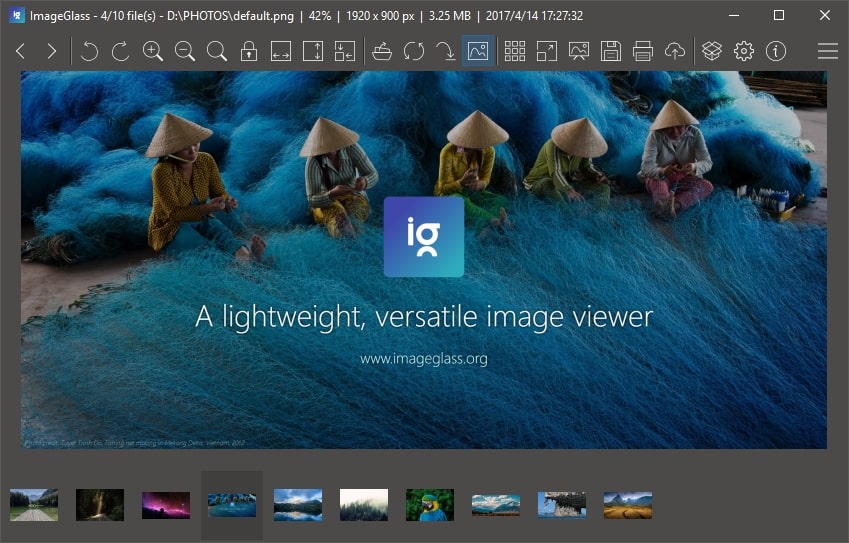
A few highlights of this release:
Changed:
- Added option to show / hide scrollbars of viewer
- Improved thumbnail size in high-DPI screen. More thumbnail dimension options added.
- Improved Settings dialog:
- Added Save, Cancel and Apply buttons. ImageGlass no longer auto-save the configs.
- ImageGlass can remember the last view in Settings dialog and restore it when you open back.
- Disabled auto-save image file when rotated due to reducing image quality.
Fixed:
- Cannot run associated app for Edit feature due to case-sensitive file extension.
- Cannot disable Auto-update feature.
- Changed the hotkey of extract image frames function from Ctrl+E to Ctrl+R.
Please be cautious of scams and only download ImageGlass from our official website. We highly recommend against downloading ImageGlass from any other source to avoid potential security risks. Additionally, if you encounter any bugs, have suggestions, or would like to provide feedback, please use our Issues tracker.
For the complete changes see the changelog.